
Devlog Two: Building an MSEG
Read the previous entry here: https://www.databroth.com/blog/develog-one-making-modules
Read the next entry here: https://www.databroth.com/blog/devlog-3-vital-lfo-randomizer
This time around there is far less of a gap between devlogs. I decided to jump right in and create an MSEG this time. I figured I could utilize some of the same logic I used to create modules to create nodes for the MSEG, but this is just about where the overlap between projects ran out. At least as far as what I’ve accomplished so far, as some of what I learned from the MSEG will be able to be applied to an auto routing and patching system.
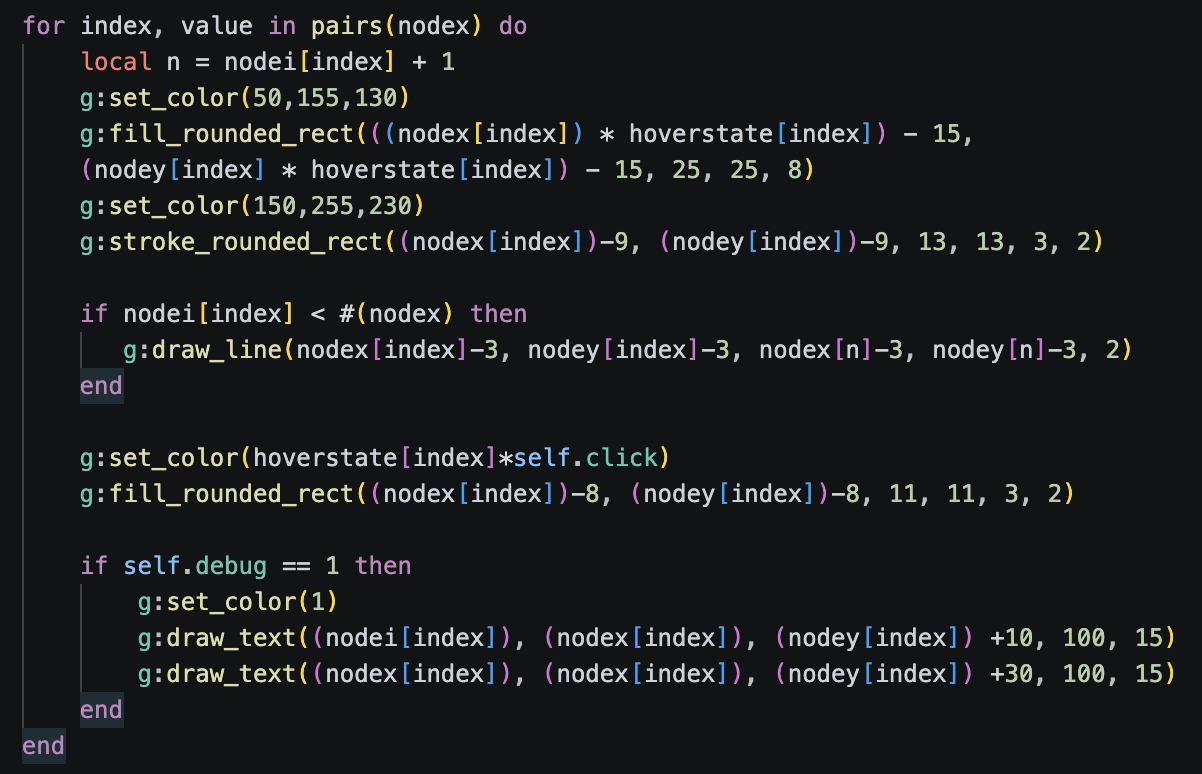
This project was by far the most difficult with a variety of unsuspecting challenges. For example, nodes need to be connected by a line, they need to be movable and erasable, new nodes need to be added between the line connecting the neighboring nodes, and nodes can not cross one another when being dragged. All this while I added a double click system and took a bit more care to refine the UI with various affordances.
Side note about affordances: For those who are unfamiliar, affordances are visual UI elements that respond to user input. For example, when hovering over a button, it might illuminate to indicate it is clickable, then while you do click it, it might change color to indicate that you actually clicked it. Without these “affordances” UI can feel stiff and unresponsive even if everything is working correctly.
Making nodes was the easy part as I covered it in my last devlog, but now I needed to connect them with lines.
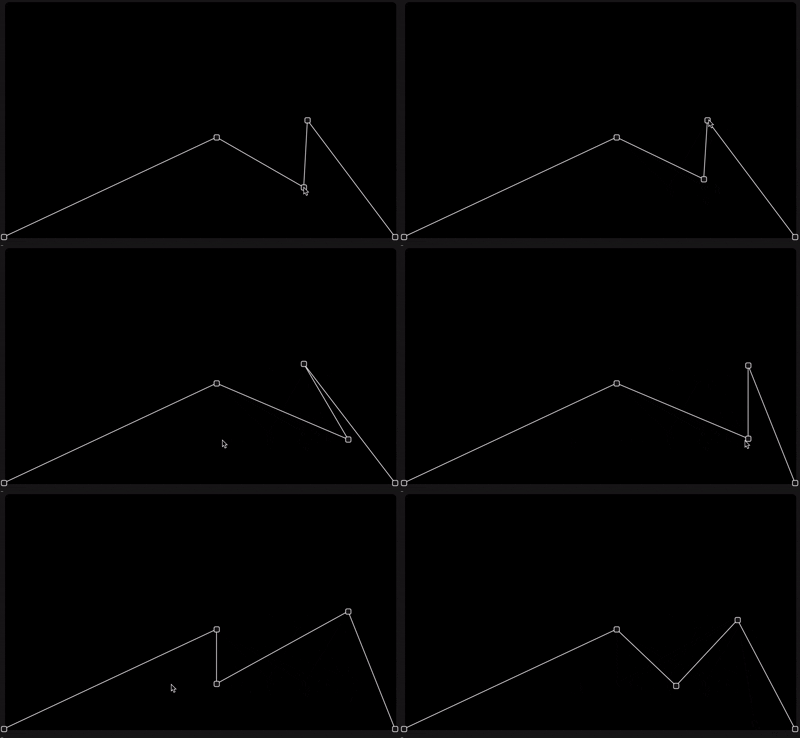
I started out by making a loop that draws lines at each node, then managed to connect them all to the first node in the array making a star pattern.
After this I realized I just needed each node to connect to the next node in the array, besides the last node, which has nothing to connect to.
This works well enough, but now nodes can only be added to the end of the chain, we need them to create a new connection between neighboring nodes.
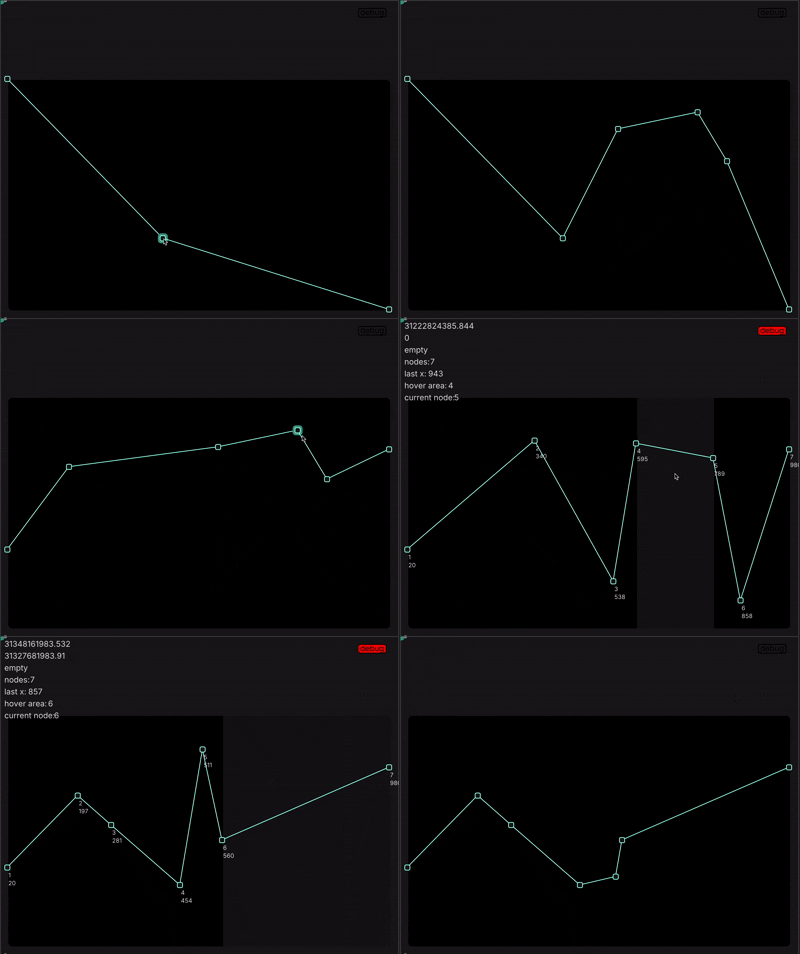
It took me quite a lot of thinking and experimenting to figure this one out. Eventually I managed to draw a box that highlighted the region where my mouse was hovering between two nodes. Using this information I could insert the new node just after the node to the left of the mouse.
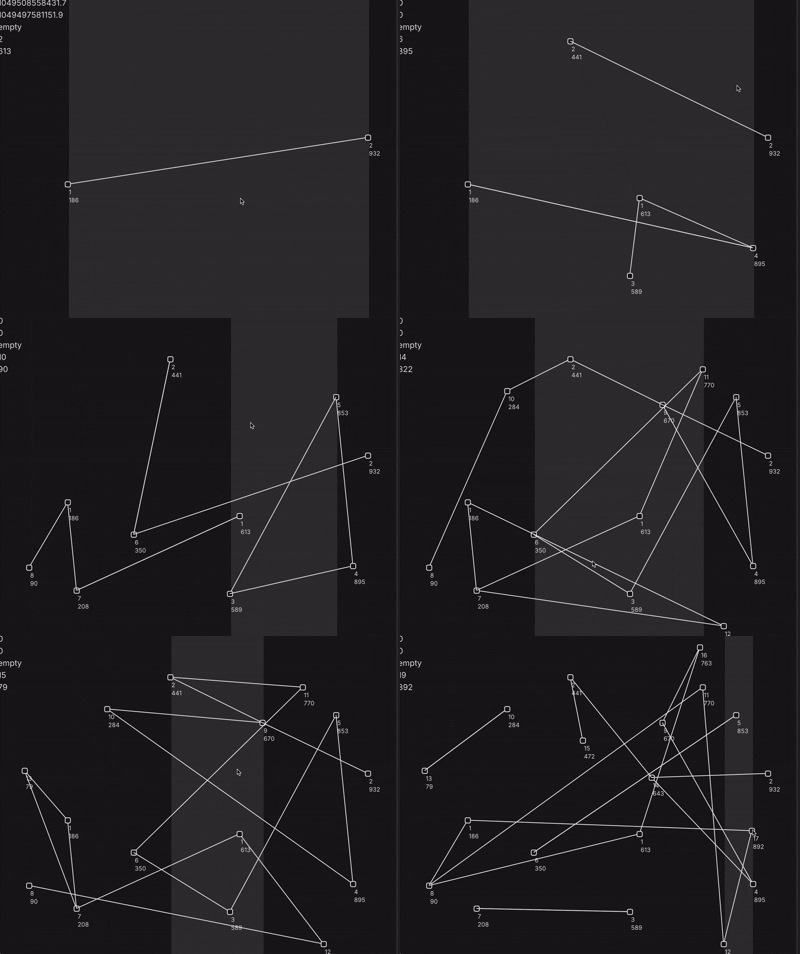
Unfortunately I created a rather interesting bug as this was also incrementing each node’s index value, creating wild constellations as the line drawing logic got scrambled.
It took me far longer than I care to admit to realize I just needed to add the incremented index to the end of the array, as every node should take over it’s previous neighbor’s index value anyways.
*A side note about the highlighted region: this time around I chose to implement troubleshooting data into my process. While figuring out the double click functionality I started printing various elements onto the screen. I enjoy the look of this “debug overlay” as it reminds me of some early 200s glitch and metalheart designs. I eventually made a toggle to switch this view on and off, but it helped me immensely to visualize different bits of information I was checking for.
From here I needed to ensure nodes could not pass one another. At first I thought about utilizing the same system as my box highlight to determine the boundaries for a node, but I ran into some issues when nodes shared an X position, so I needed to rethink things a bit and find a new solution.
This attempted solution was also causing a lot of bugs, so I took a break to incorporate some affordances. Not only would these affordances make the UI more engaging, they’d actually help me debug the previous issue as they’d help me detect which node I was hovering above.
I decided the nodes should “glow” when hovered, and light up which when actually clicked and dragged.
After working out these affordances, I was able to rework the node boundary system and get things to a point where they functioned almost identically to any other plugin MSEG. But it’s amazing just how many small edge cases there are to something like this. Now when two nodes overlapped, they essentially became glued together, so I needed a way to either automatically merge any overlapping nodes, or grab only one of them.
Luckily, after stepping away from this project for a couple days, I came back to it and the first two things I tried fixed these edge cases. Grabbing only one node was easy as I could use the same variable that illuminates whichever node is being clicked.
At this point, the “MSEG” still wasn’t even functional, it’s just a visual vector drawing toy. And if I got it to an actually functional state, I’d want to incorporate presets to recall and store shapes, a grid snapping system, as well as a playhead and LFO rate control. From where I’m concerned, just being able to create and draw this MSEG was enough practice for now as I’d need to create new projects just to even explore some of those other details.
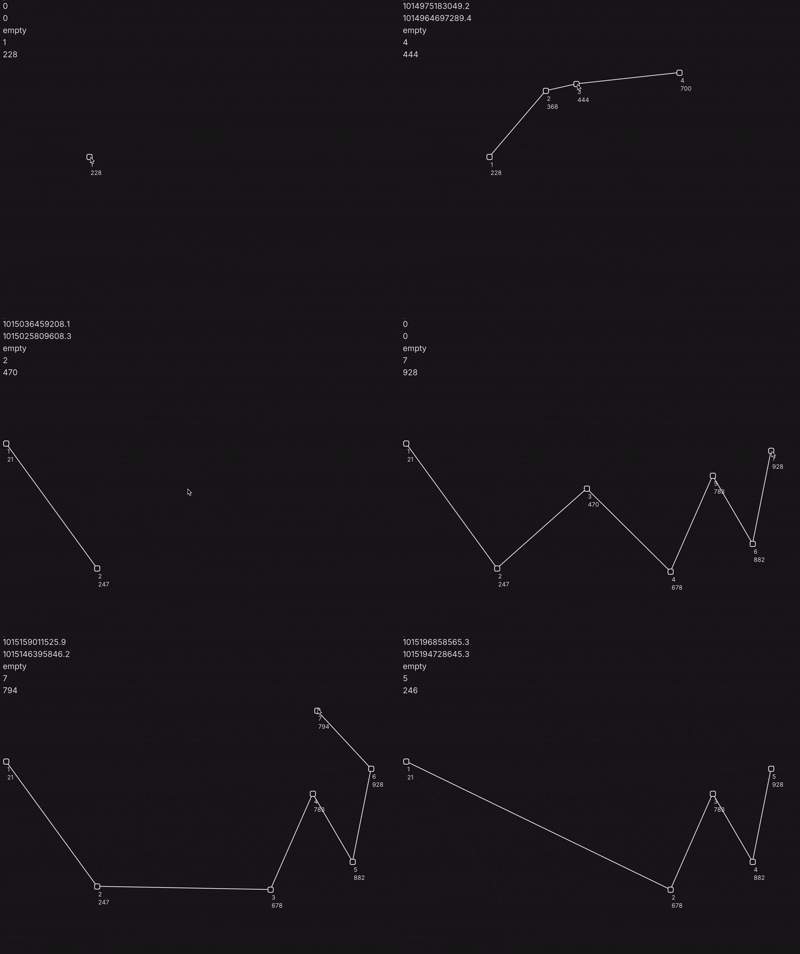
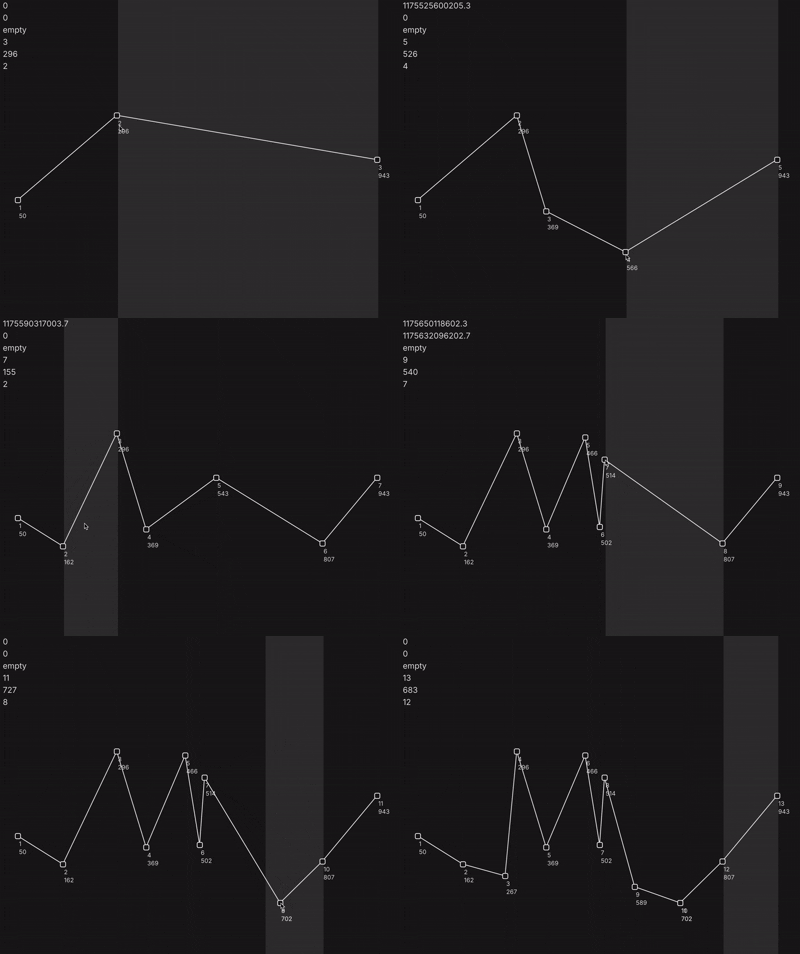
I definitely feel I learned a LOT from this project, and I also feel a lot of agency over my own development as I create and solve my own projects/problems. I remember feeling a bit lost in tutorials when I was exploring pico8. I think tutorials don’t quite allow you to “solve” your own problems as you come across them, I’ve really enjoyed the time contemplating exactly how to articulate the next step in a way that the computer can understand. I get that this can all be “vibe coded” now, but there’s really something to be said about the thought process behind solving these problems in an exact way and personally understanding each and every detail. I’ll end this devlog by saying this was one of the most rewarding projects I’ve worked on so far, as I’m a huge fan of MSEGs. I hope eventually I can make the MSEG of my dreams for a synth one day.