
DRUMCOMPUTER vs BATTALION vs TEKNO
Drum machines are such a fun part of the hardware world that is honestly a bit rare in software. Obviously with DAWs and various drum voice plugins, you don’t really need everything built into a single plugin, but it can be nice for jamming out a rhythmic idea and just saving drum patterns and grooves as full presets instead of as multi-track sequences. I picked these three drum machine plugins for this shoot out because they come with drum synthesis engines as opposed to relying exclusively on samples. I also picked these three because the come with built in sequencers that can be saved alongside kits as presets. I’ll be comparing the sequencers and drum synthesis separately.
As usual with my shoot outs, this isn’t about determining which one is “best”, but instead to help guide you in deciding which one is best for you, or to highlight features of alternative tools you may have overlooked. These also aren’t the only options, I’d like to compare some other drum machine plugins, and to be perfectly clear I think this is one of my shootouts with the least overlap between products.
DRUMCOMPUTER
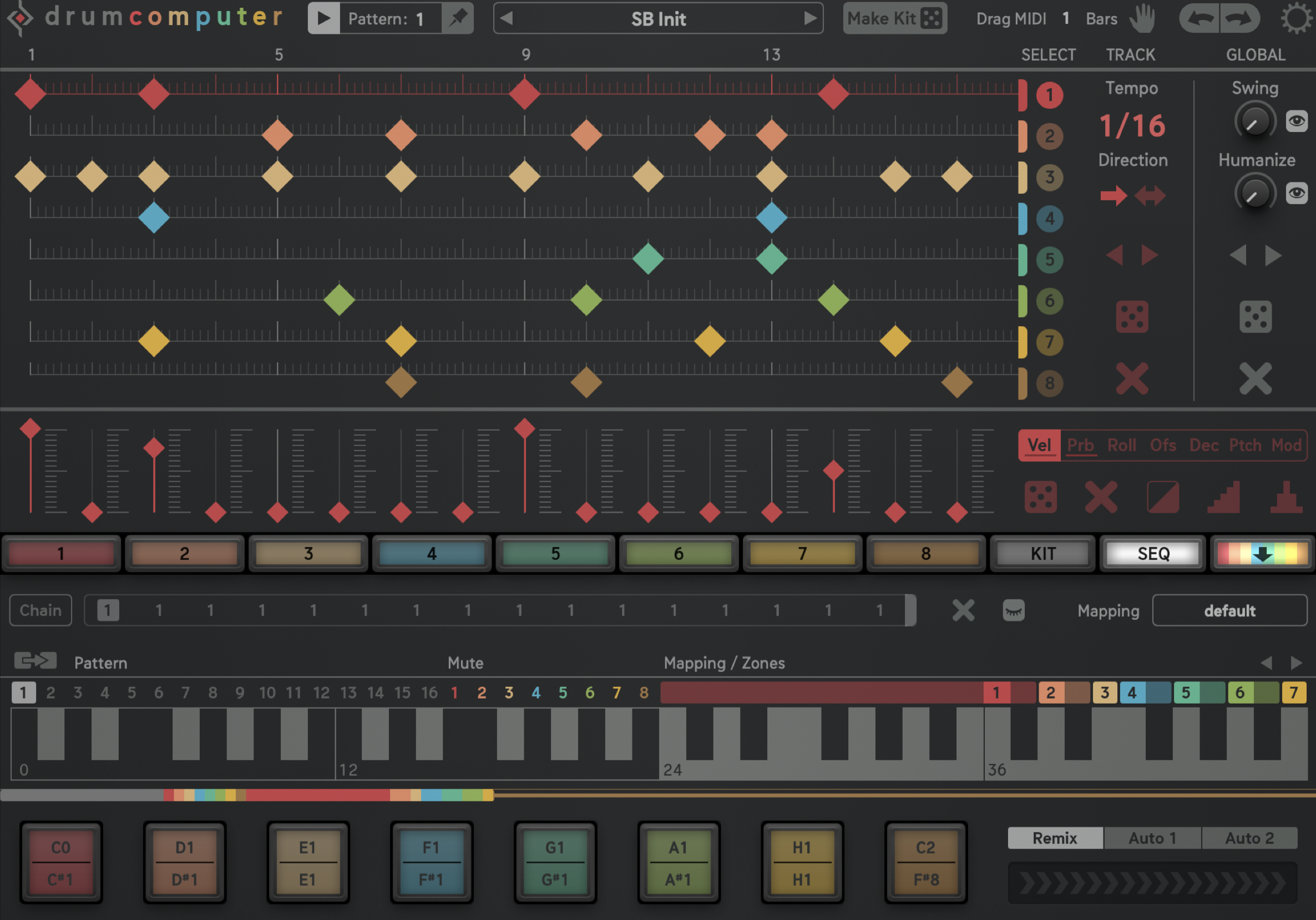
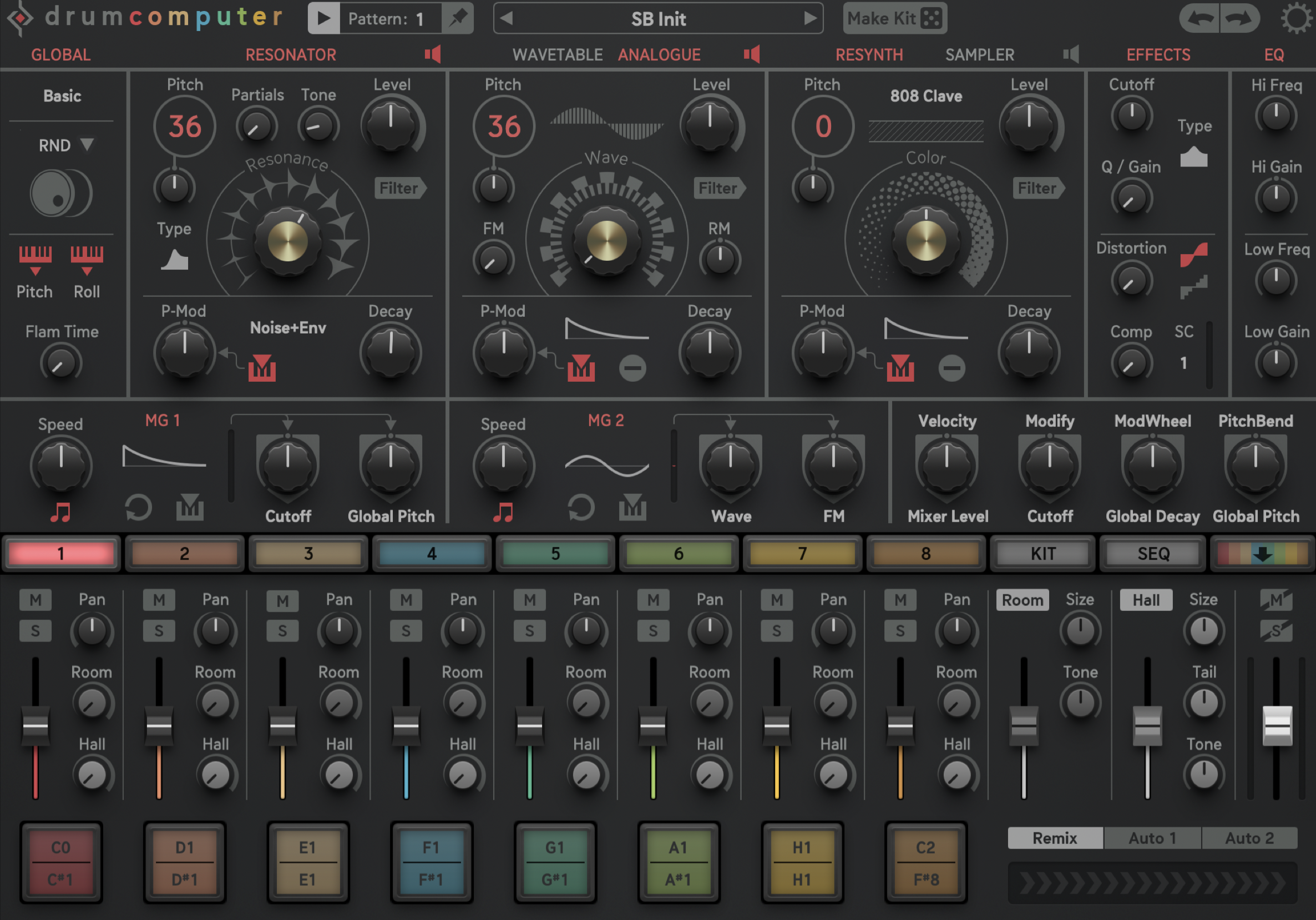
DrumComputer has a very creative tone, I really enjoy making snares and metallic percussion with this one. The sound really glues together and results in plasticky and metallic chaos. The inclusion of a peak boost filter really helps with giving each drum sound it’s own tonal color. Everything is done with one engine, but there’s a LOT of control within this one engine and it is capable of some very experimental sounds. The sampling is pretty basic but it’s nice to have. The sequencer is competent and fun with the ability to chain together up to 16 different patterns for some complex beats. There’s also a fun little auto fill generator, though it’s just a bit too chaotic. A mixing page gives you access to a decay control per voice and a modifier macro per voice. There’s also some fun performance control available via a key mapping system
I really enjoy exploring DrumComputer, it seems like there is always a new little secret hiding in plain sight. This is probably the most fun of the three, but it does lack flexibility when it comes ot kick design.
Drum Engine
-only one engine for all drum voices
-has a resonator and wavetable/analogue oscillator
-FM/AM capabilities
Sampling
-spectral resynth mode is simple but fun
-sample mode allows for start and loop adjustments
Drum effects
-a simple filter can be used to cut or boost frequencies
-two distortion types
-compressor
-basic shelving eq
Modulation
-Envelopes for resonator/oscillator/sample with simple shapes
-2 assignable LFOs with two destinations each
-4 additional modulation slots
Sequencer
-up to 16 steps
-polymeters
-per step probability
-rolls up to 8x per step
-offset, pitch, mod
Master FX
-2 send reverbs
-simple compressor
-simple saturation
BATTALION
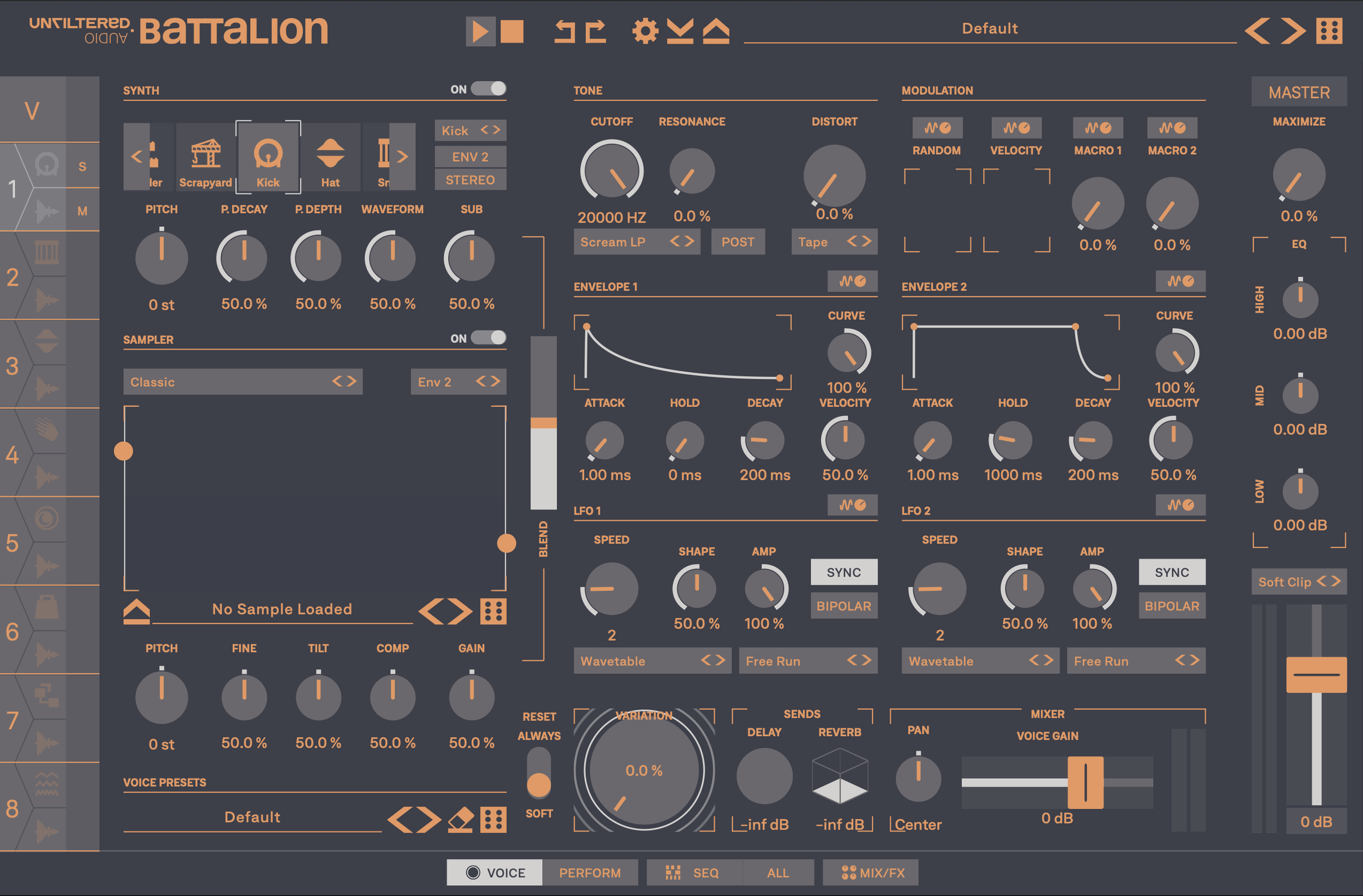
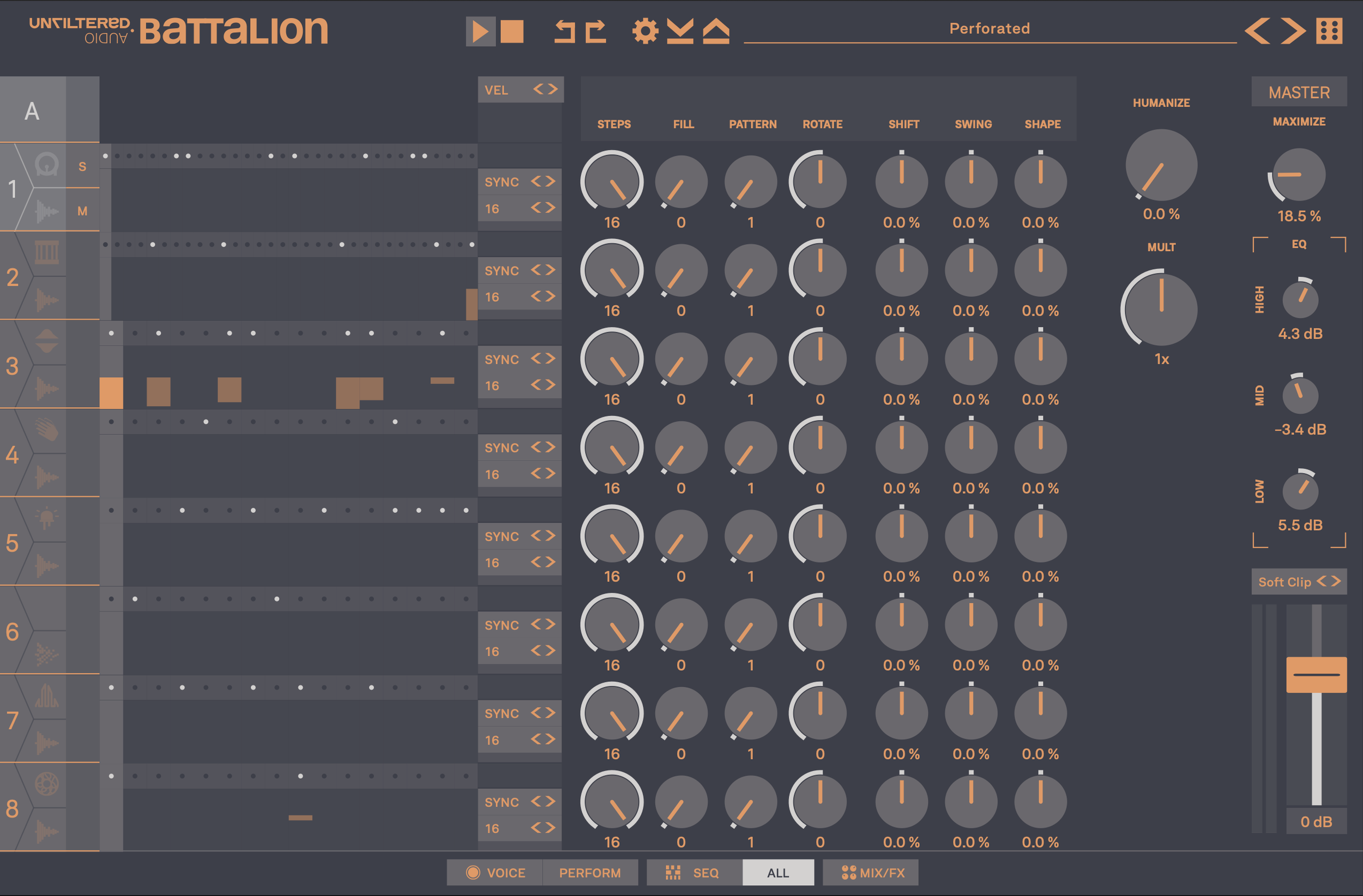
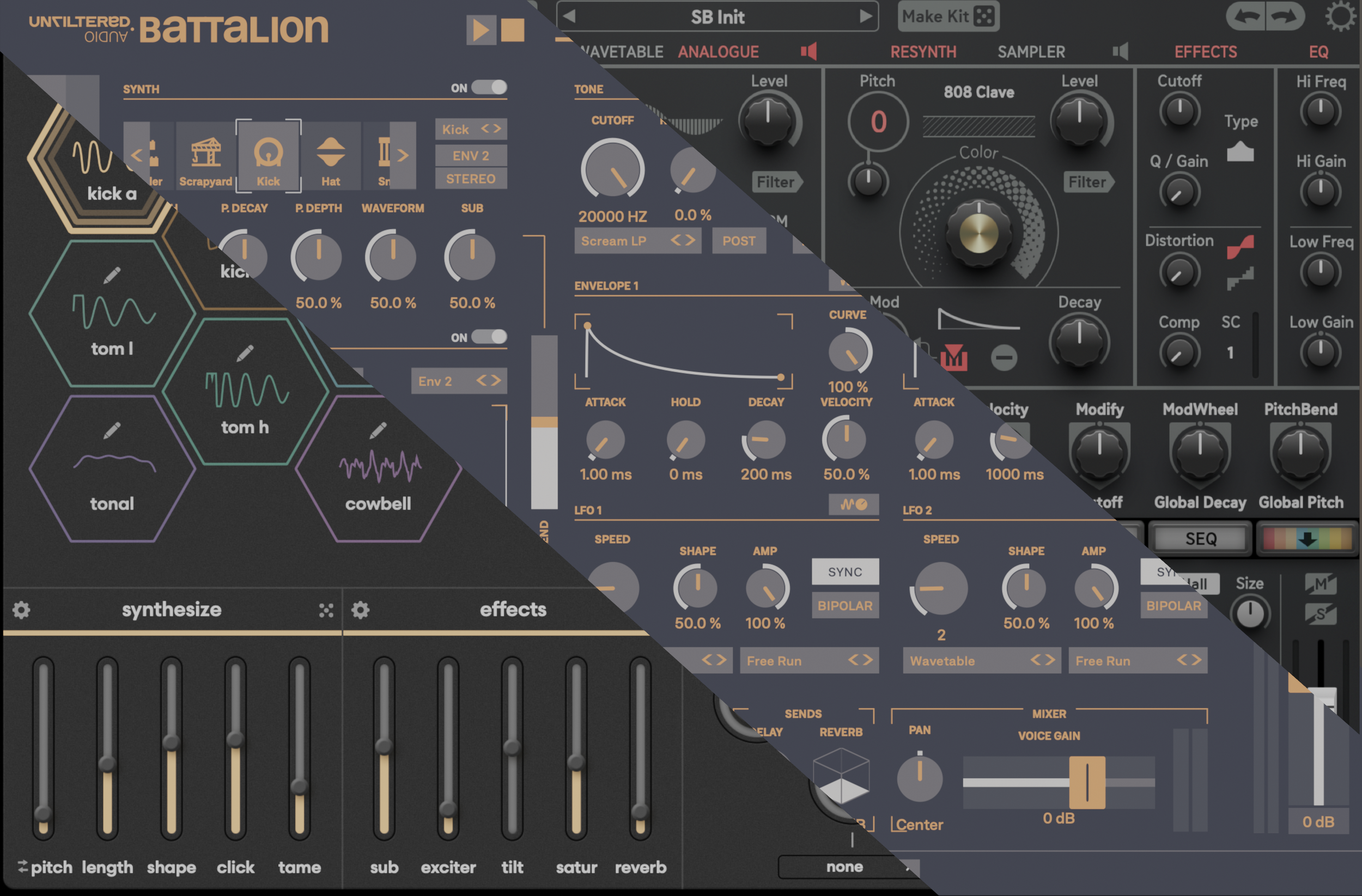
Battalion offers a wide variety of drum engines. Each engine only has a few unique controls giving them each unique character, but limiting their range. Modulation is freely routable, giving a wide range of sound design options after the drum engine. LFOs can also go into audio rate for even more synthesis shenanigans. The comb filters are a lot of fun, but I’d really love to see a peak boost to bring out each drum voice. The over all sound is pretty dry and sometimes crunchy. By far the deepest sequencer of the bunch, you can even create polymeters within a single voice creating shifting velocity or roll patterns. There’s no pattern chaining, but with up to 64 steps per beat, there’s plenty room for intricate patterns. A performance page gives you control over various qualities of all tracks at once, it’s fun to choke down on the decay and make everything snappier for a nice fill.
Sometimes it feels like there is too much in Battalion, even writing this shootout I am finding controls and options I have never even considered trying.
Exploration is rewarded though as Battalion is incredibly powerful and capable of many genre.
Drum Engine
-25 different engine types
-each engine has four unique controls
Sampling
-seven different sampling modes
Drum effects
-filter includes a variety of comb options
-eleven distortion modes
Modulation
-two fully assignable ADSR envelopes
-two fully assignable LFOs
-random
Sequencer
-up to 64 steps
-polymeters
-per step probability
-rolls up to 6x
-offset, pitch, mod, send, pan, envelope
Master FX
-delay
-reverb
-maximizer
-3 band EQ
-clipping
TEKNO
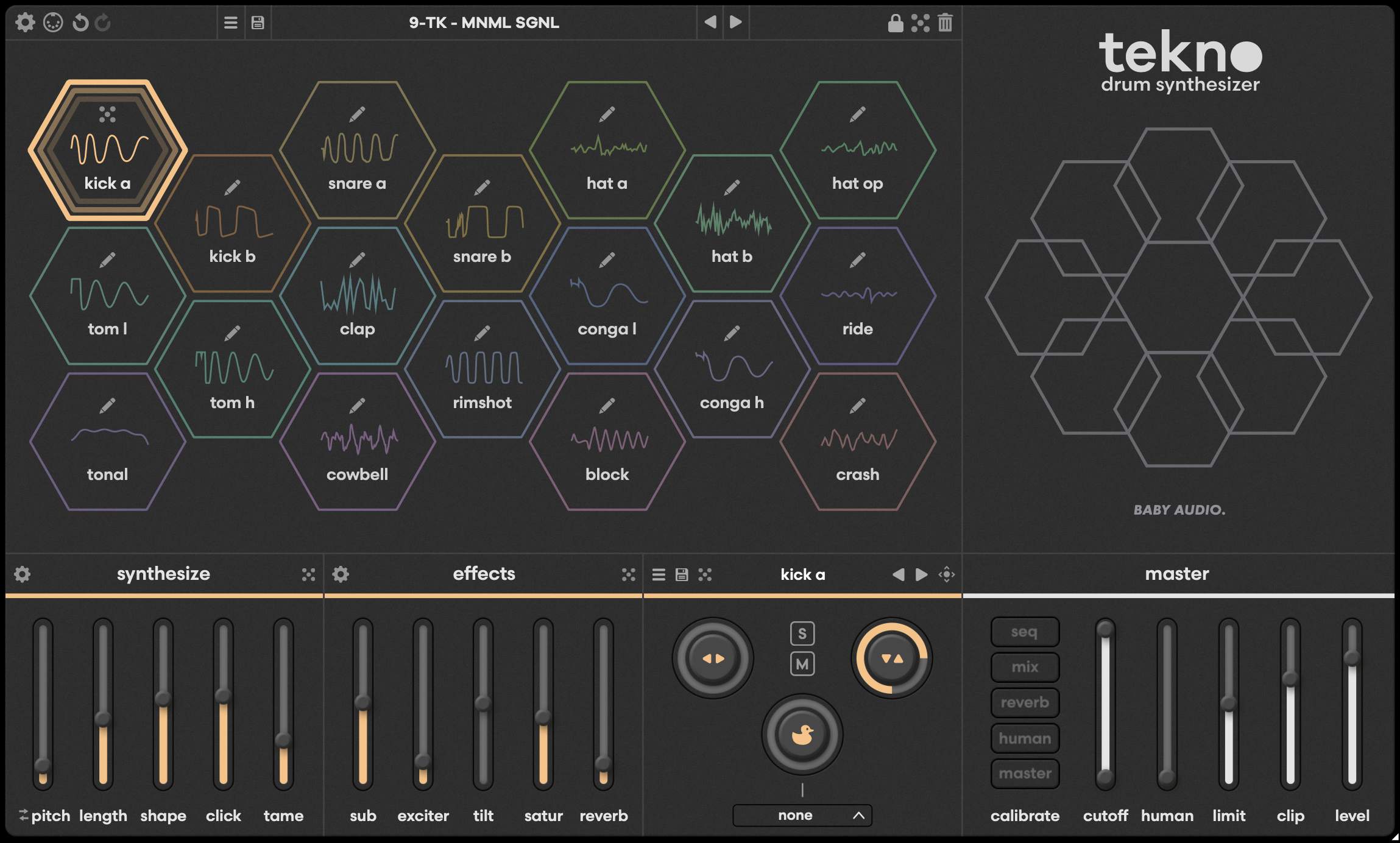
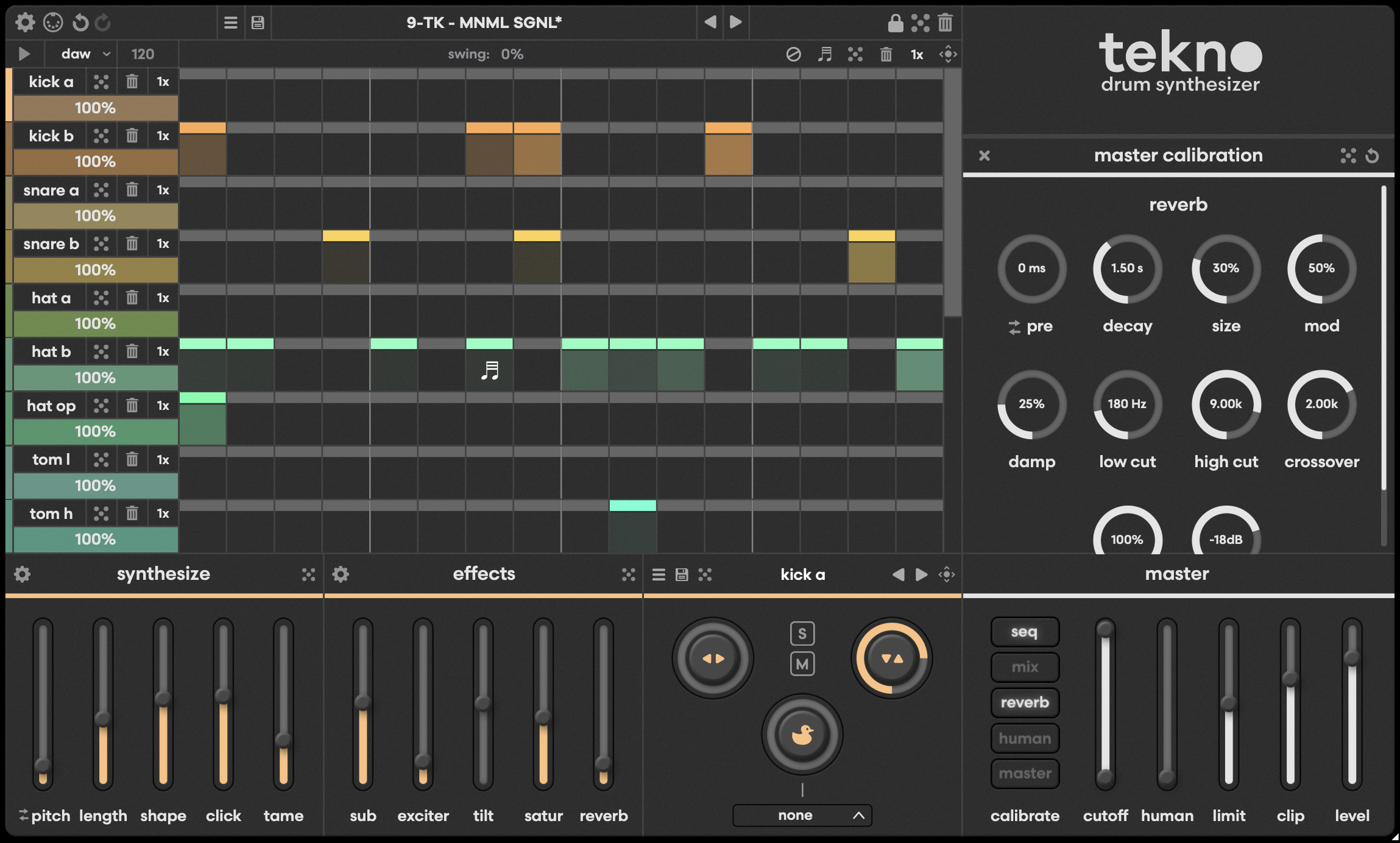
Tekno is sort of the odd one out here, it has the most drum voices at 18, but has different drum engines per voice. It has one of the better sounding kick drums and incredible toms, but lacks quite a bit of the flexibility and creative sound design of the others. The sound is quite a bit more “analogue” and natural with quite a few places to add ducking and dirt. Being able to drag and drop drum sounds and patterns from Tekno into the DAW (or even other drum machines) gives it a nice workflow boost. The sequencer is quite limited on this one, being able to drag and drop the sequence as midi seems to be the only unique aspect
By far the simplest of the three in terms of sequencing and synthesis, though there’s a ton of subtle sound sculpting that might make this a better fit for the less experimental types who are looking for something to work into a mix.
Drum Engine
-18 different drum engines, each voice has its own engine (can not be mixed and matched)
-no sampling
Drum effects
-drum effects are different per engine
Modulation
-a ducking effect can be applied from any voice
Sequencer
-up to 16 steps
-polymeters
-per track probability
-rolls 2x only
Master FX
-reverb
-clipping
-limiter
-filter
This was a very tricky shoot out, I don’t think these three plugins are very comparable at all. They serve completely different purposes for different musicians, you may hate the playful nature of DrumComputer and the feel intimidated by the complexity of Battalion. On the flip side, Battalion can likely do everything you need it to do. I’m afraid I did not cover these plugins in terms of their full usability, you may be looking to use these as sound modules triggered by your own midi or maybe you want to export the loops/sounds and work in audio. Feel free to ask any questions I did not answer in this shoot out and I’ll work to include these as further metrics.
if this article helped convince you to purchase any of these plugins, please consider using one of my affiliate links below. (after you have searched to make sure you can’t get a better deal elsewhere)
DRUMCOMPUTER: https://www.pluginboutique.com/product/1-Instruments/7-Drum-Machine/5977-DrumComputer?a_aid=61c378ab215d5
BATTALION: https://www.pluginboutique.com/product/1-Instruments/7-Drum-Machine/14935-Unfiltered-Audio-Battalion?a_aid=61c378ab215d5
TEKNO: https://www.pluginboutique.com/product/1-Instruments/139-Drum-Synth/15545-Tekno?a_aid=61c378ab215d5