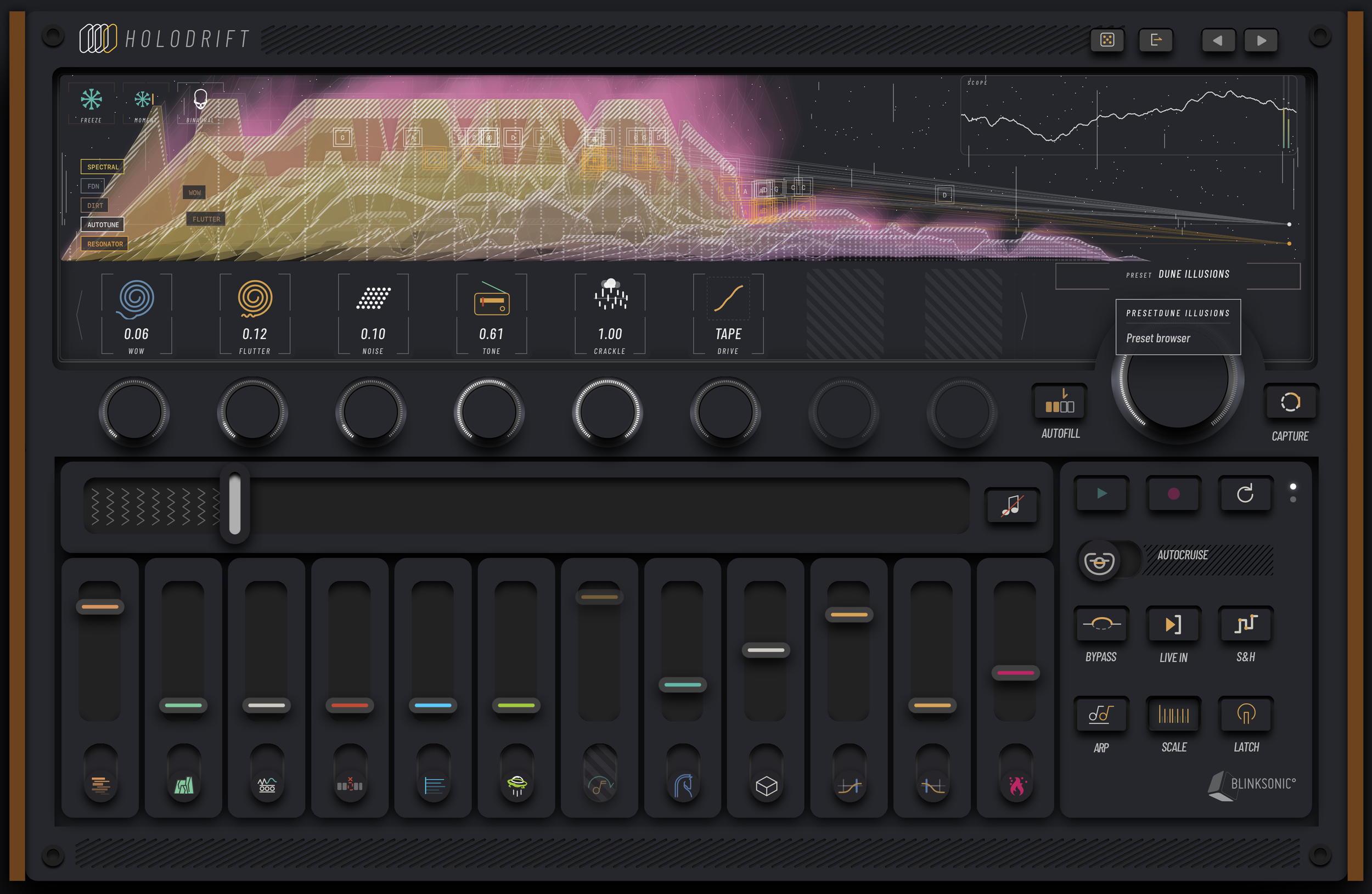
Blinksonic, the creators of many amazing Reaktor ensembles, have created their first non-Reaktor plugin Holodrift. Holodrift is a glitchy granular sample machine with built in spectral processing. As with all Blinksonic products, the UI is dense with details and lovely modern cyberpunk design, but always a bit overwhelming and somewhat difficult to get started with. It doesn’t help that some of the text is incredibly small and hard to read.
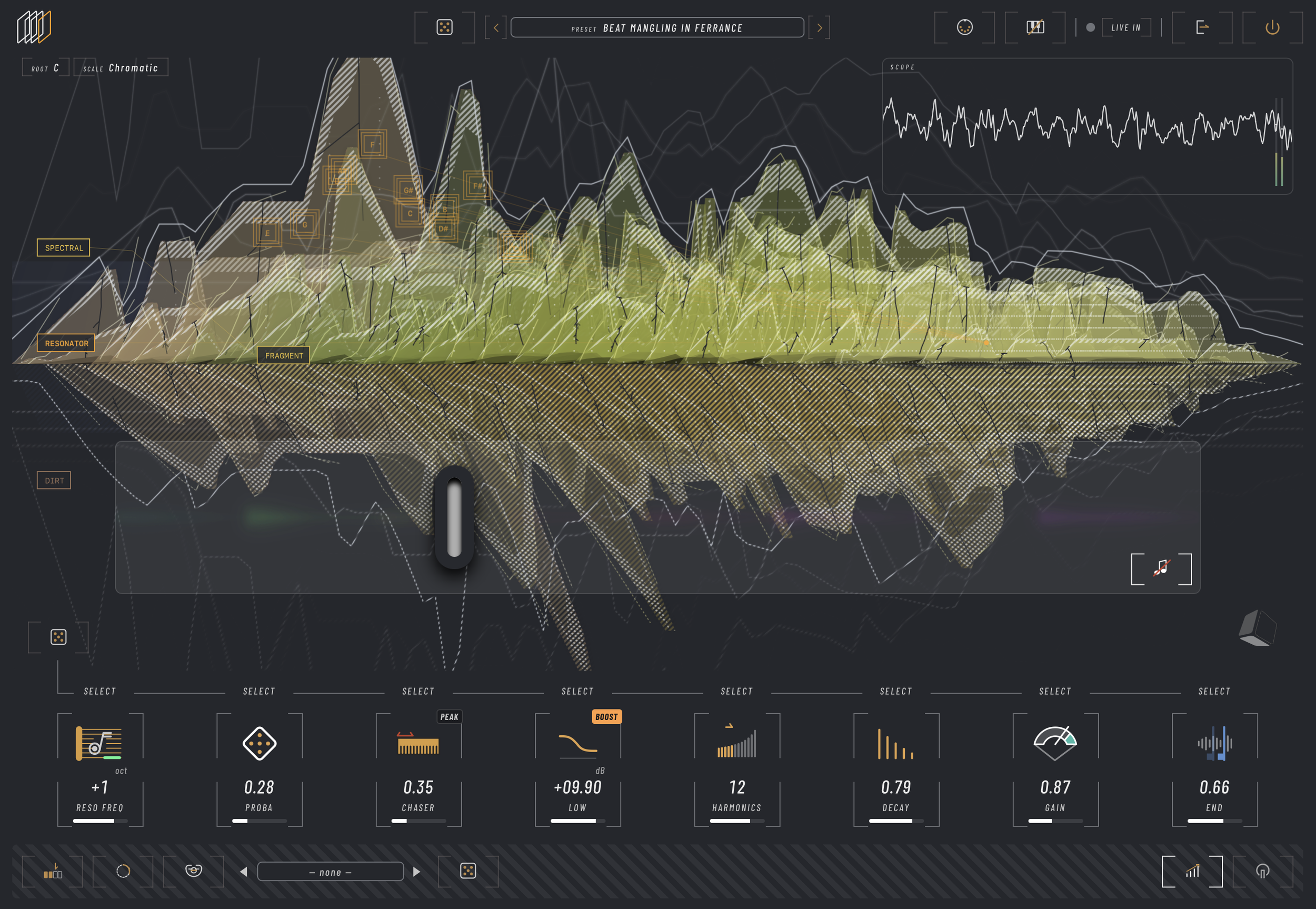
That all said, it still looks stunning and is pleasantly distinct from most other modern user interfaces we tend to see nowadays. I particularly enjoy the visualizer that seems to showcase more visual data than you could ever read. The visualizer changes shapes and colors depending on various controls ending up with incredibly stylized visual displays that could work as album covers.
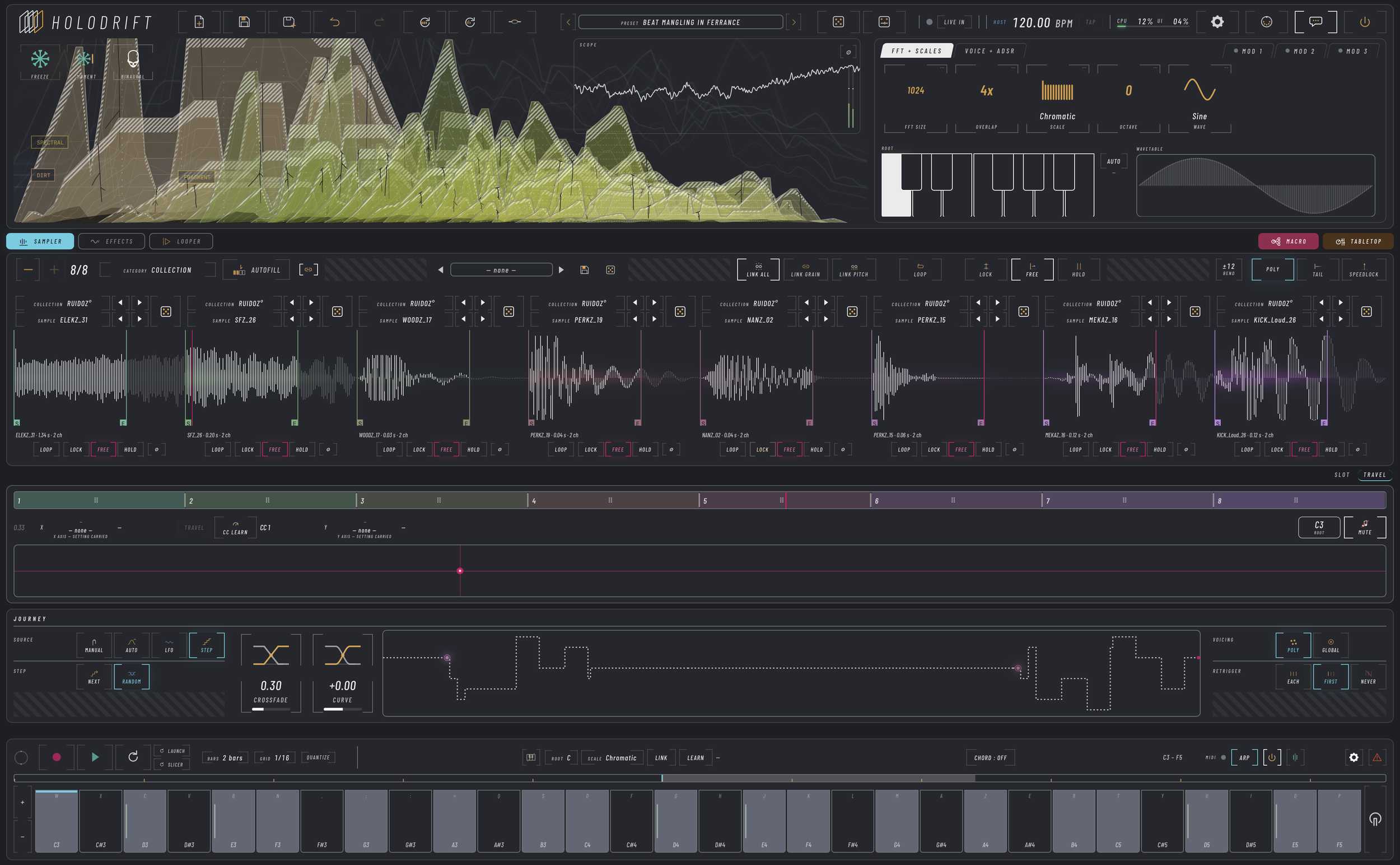
At the core of Holodrift is eight sample slots. Each sample slot has its own granular engine with all your basic granular controls and settings. The active sample slot depends on the travel playhead, which allows you to crossfade between the various samples manually or with an LFO.
The grain engine can get really nasty (in a good way). Setting the size really small with low overlap gets into super fun glitch territories. Being able to give each sample its own unique granular settings opens up some really fun texture sequencing as the different samples fade into one another.
You can load your own samples into the slots, but Holodrift also comes with a boatload of included samples, including samples from their various Reaktor devices. I personally suggest using the factory samples with any Blinksonic device. They are part of the charm of these tools, but also everything else is already so overwhelming, you might as well work with the included library until you get familiar with how everything functions.
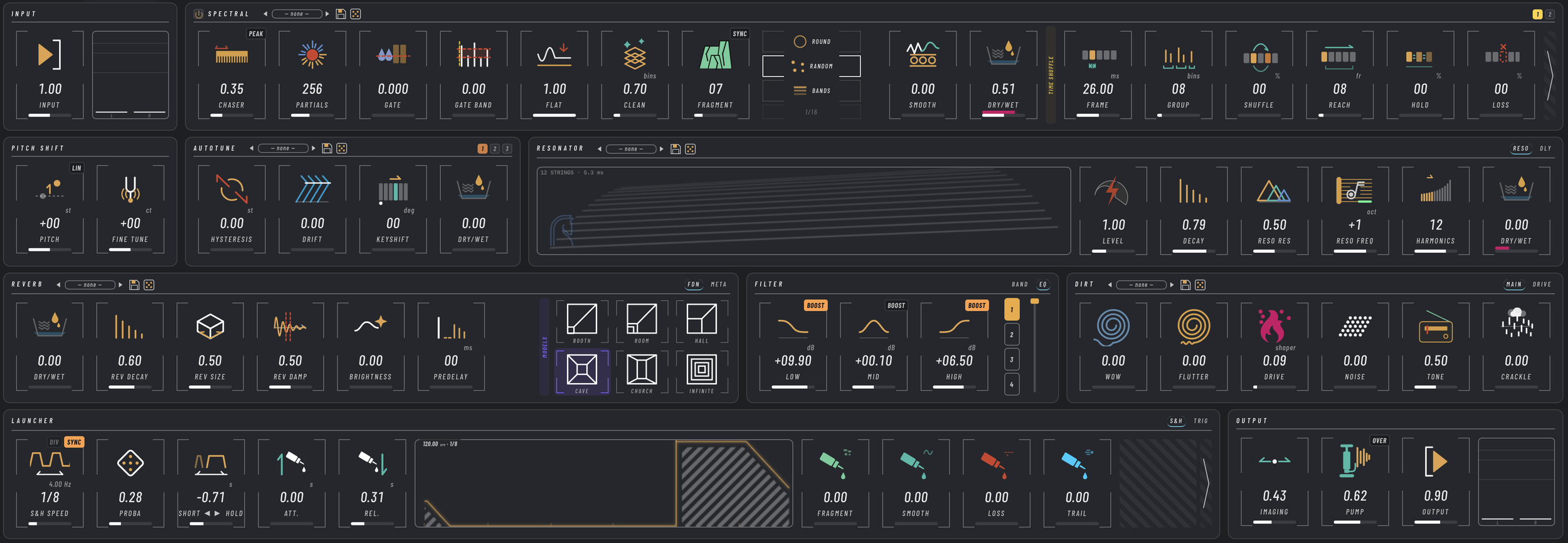
The effects tab is dominated by a substantial spectral effect that contains many different spectral processes. This is followed by a resonator, reverb, filter, and distortion. Then finally a “launcher” can trigger these various effects for even more chaos. I do wish the launcher was per effect, it seems to just trigger all effects together, ending up with a very two-toned result as it switches between the on and off states. If we could decouple the launcher it could end up with some crazy results
The spectral processor really takes Holodrift to the next level. Spectral effects are very powerful sound design tools, and it’s awesome to see them being used as part of the instrument rather than exclusively as an effect. Holodrift’s spectral processor includes a gate, pitch shifter, and even autotune, each with their own unique characteristics and spectral artifacts. However, the most interesting effect in the spectral section is the spectral time shuffle, which randomly shifts around the timing of various bins, leading to some spongy chaotic textures.
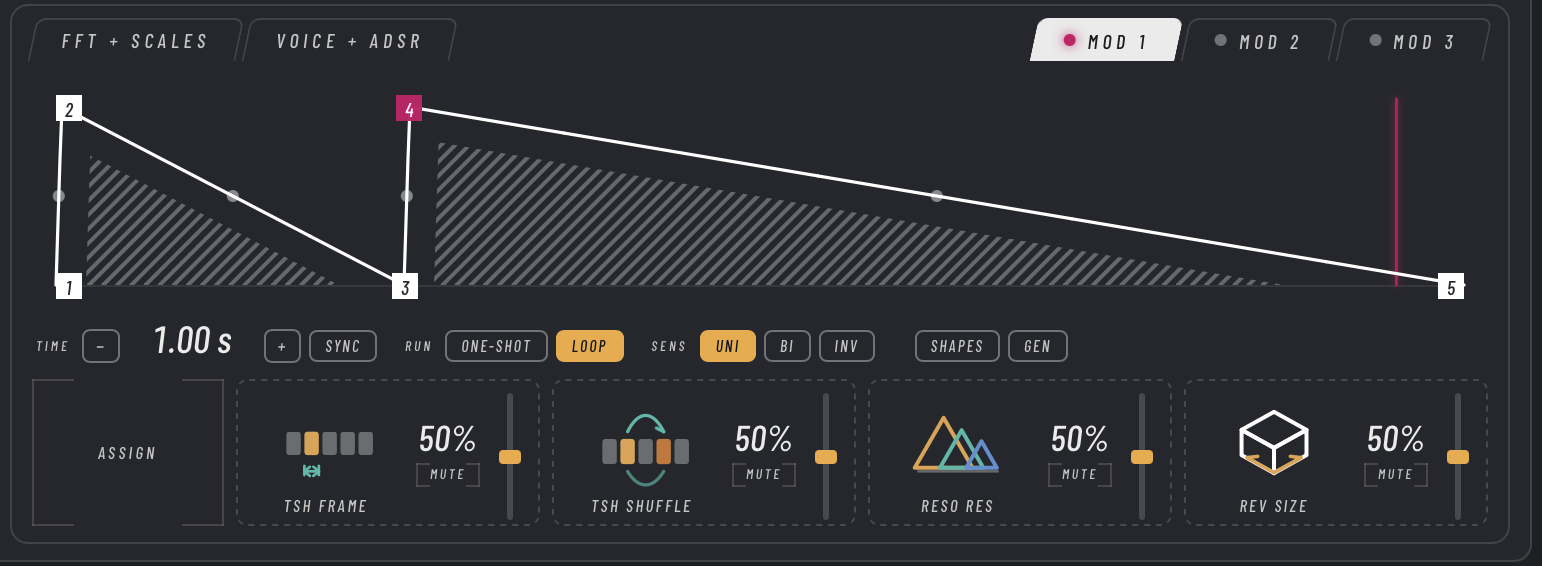
I was happy to find three assignable modulators that can target four controls each. The modulation assignment is a little awkward as you have to activate assign view, then drag the control over to the modulator. Visually it looks cool as you get the destination graphics in the modulation section, but it’s a strange combination of a modal modulation system with reverse drag and drop that ends up less intuitive as a result.
Each modulator is an MSEG with an option for either one-shot or looped mode. As far as MSEGs go, this one is pretty limited, with up to eight nodes. Also each node gets added directly on the line connecting its neighbors, rather than where you double click.
I’m still finding new things in Holodrift, just now as I am writing this article, I accidentally clicked and opened the binaural Doppler, which pans the signal in 2D space simulating actual Haas and Doppler effects providing dimensional motion.
I also just found a second page for the spectral processor which includes a spectral frequency stretcher, tracer, scrambler, and phaser. This is the perfect time to mention that Holodrift can also be used as an effect.\
I’m sure there is much more to discover in this one, I’ve always been a fan of Blinksonic’s designs, so it’s great to be able to access them without using Reaktor. I have also always found their tools to be just a bit too cryptic, they end up making sense if you spend enough time with them, but there’s just something not immediately welcoming to their designs. I think they actually do this very well, as it tends to lead to more playful experimentation, but they’ve also included a “tabletop” and macro view for more playful exploration of presets. So if the main engine is too overwhelming, you can really just have fun with the built in presets and use Holodrift as a weird sound generator.