
Devlog 3.1: Updated LFO Randomizer
Read the previous entry here: https://www.databroth.com/blog/devlog-3-vital-lfo-randomizer
I got right back into things today updating the LFO randomizer. I just wasn’t satisfied with the first algorithm and wanted more diversity in the generated LFOs. I definitely feel like I got it closer to what I was imagining this time around.
You can try it out here: https://www.databroth.com/lfo-randomizer
First off, I wanted more variation in the timing. Before it would just pick a random timing, and every LFO segment would share that timing.
Now it randomizes the timing per segment. This did introduce some new problems and meant I had to completely rebuild everything.
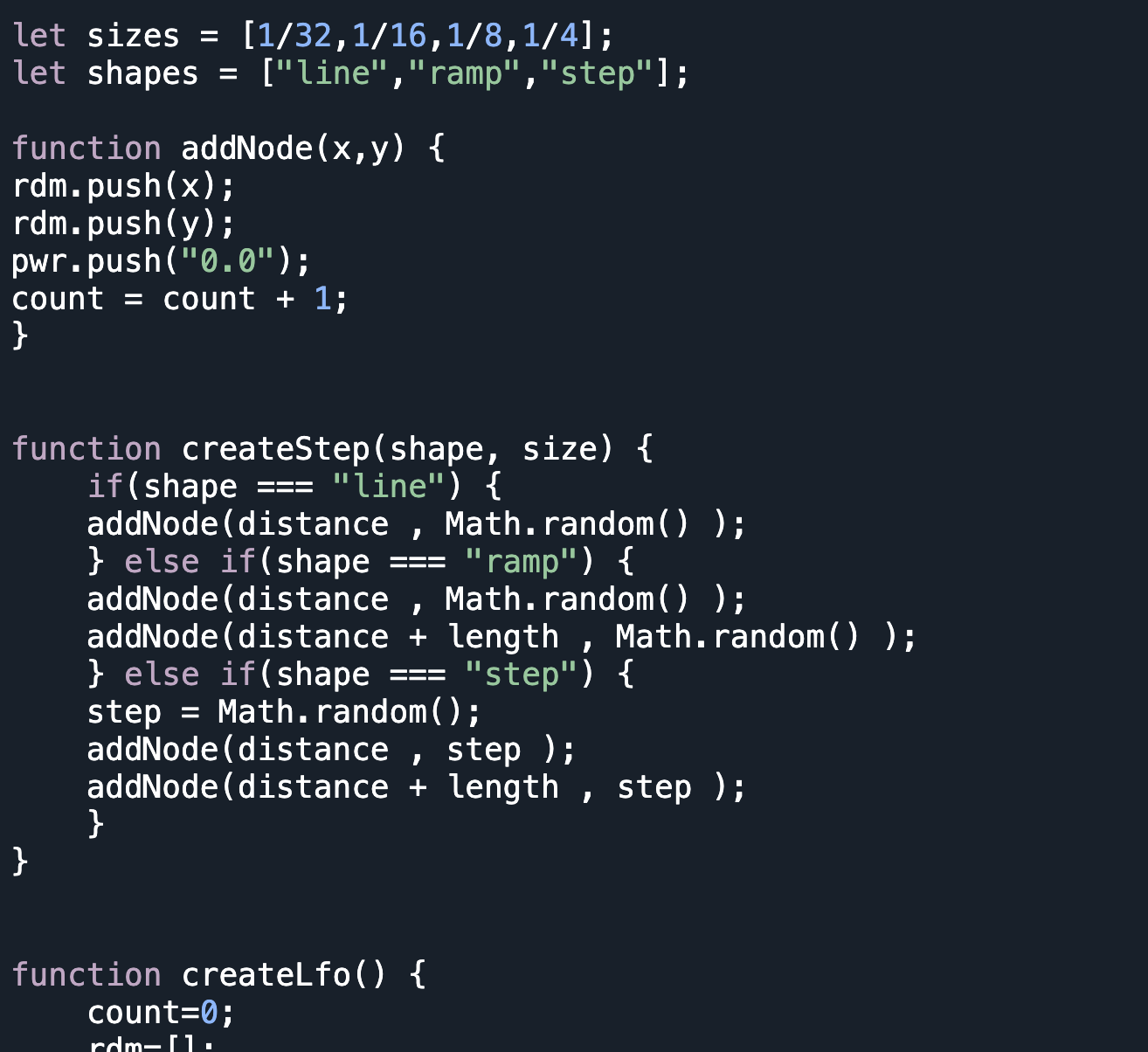
I made two functions, one to generate segment shapes, and another to produce the actual nodes. Each node increments the node count which is important for vital when reading the LFO file.
Each segment shape defines which nodes are produced. Then after a segment is generated, the position is recalculated based on the previous segment length
Finally, I had to reduce the timing pool if there was not enough room for larger segments.
Now with more varied timing, and a system for generating shapes and nodes, I just needed to create the three different shape algorithms.
Unfortunately, these more dynamic LFO shapes were TOO random. They’d regularly contain every shape and timing variety, leading to very asymmetric LFO shapes.
I actually liked some of the old shapes that would be all steps, or all ramps.
So I rounded things off by adding some weights to the randomization. I made it so there’d be about a third chance for the shape or timing to change
and because quarter note divisions would take up most of an LFO, about a third chance for them to be unavailable for any given LFO.
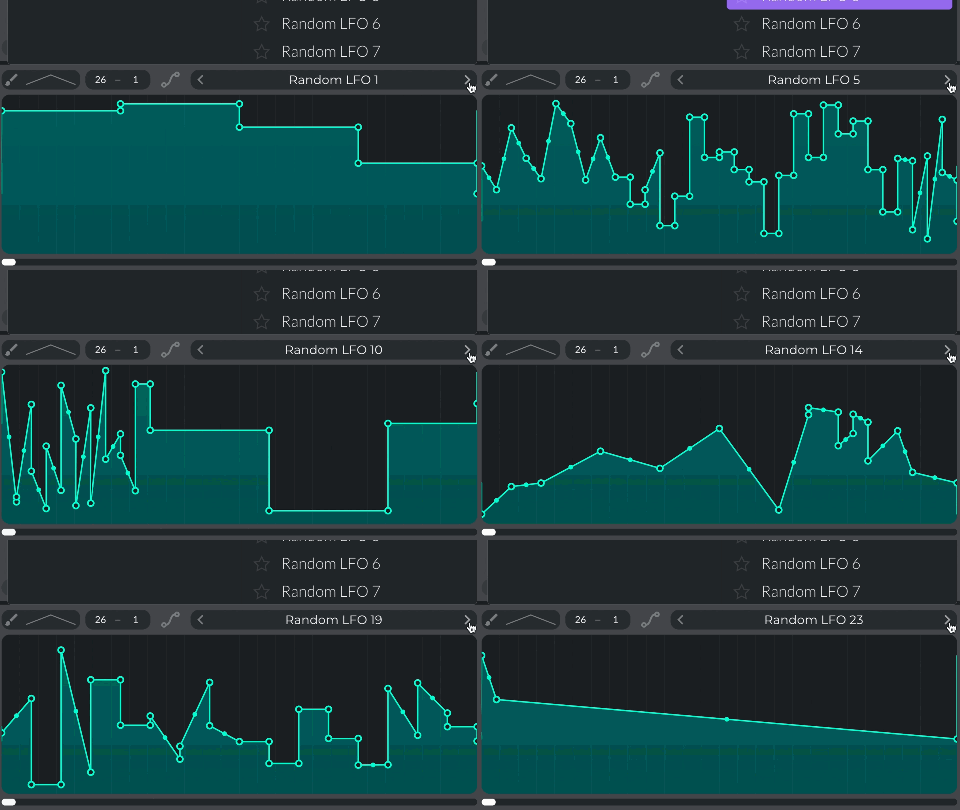
I don’t think this new system is perfect, but it does occasionally lead to old style generations while having a LOT more variety in general
It does however seem to be a bit more buggy. Sometimes you end up with duplicate shapes, which really shouldn’t happen.
When this does happen, there is also an issue with the file name, so I suspect this is actually from clicking the button too fast
Also sometimes it will generate a single ramp, which shouldn’t be possible, and when checking the file, there are too many nodes for that outcome. I have no clue what might be causing this bug, but it only shows up about 1 in 50 generated shapes.