HYPERWARP Review
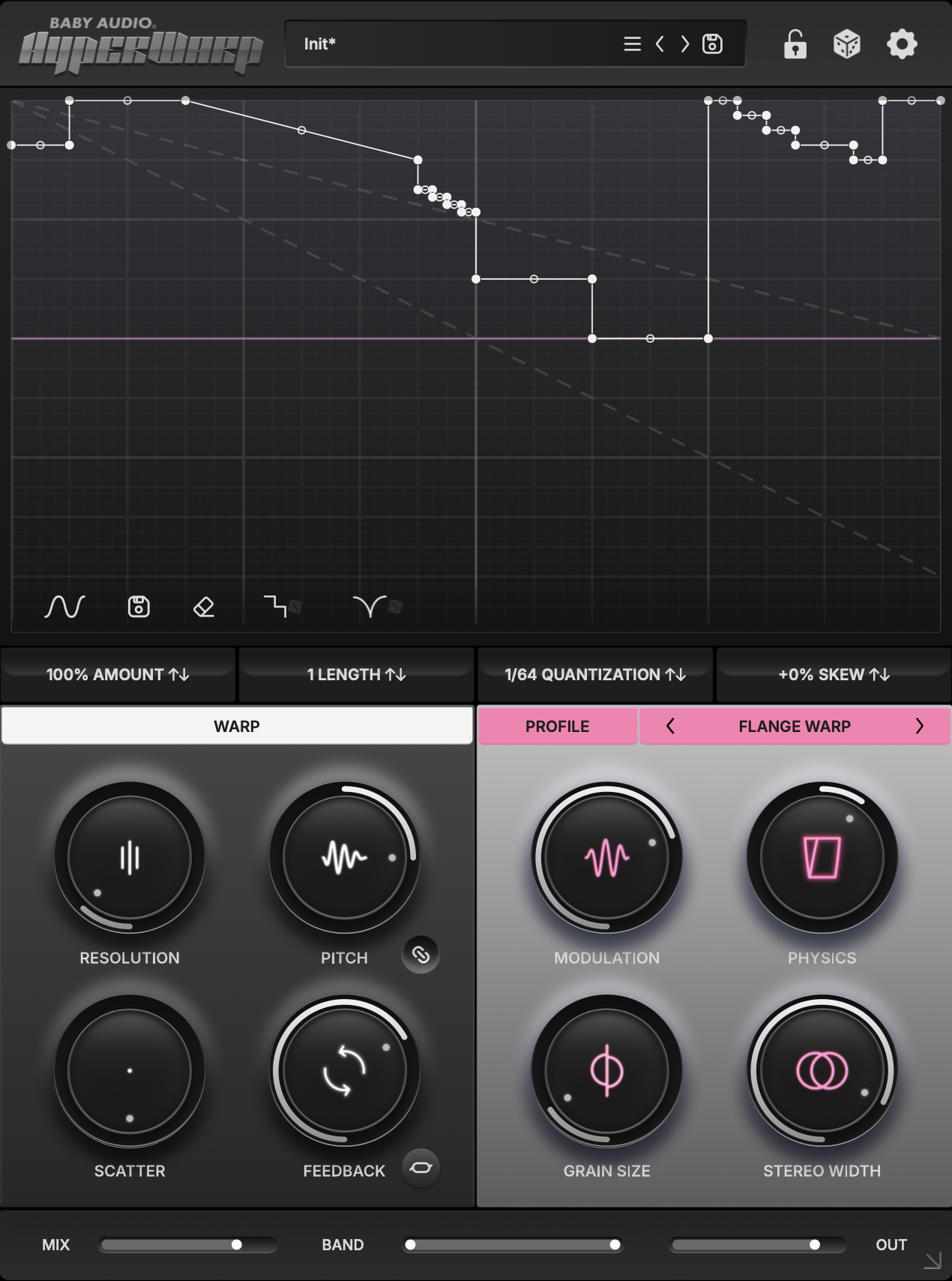
Baby Audio sent me a copy of their HyperWarp plugin for testing and preset design. HyperWarp is a granular time warping type effect in a similar vein as plugins like GrossBeat, Time Shaper, and MRhythmizer. However, as similar to these plugins as HyperWarp may be, you might have also noticed that I mentioned it was granular. Most time shaping type effects retime the audio in a way that is similar to a tape or vinyl effect. HyperWarp uses granular processing which allows for retiming without affecting pitch (though there is a setting that gets close to this more traditional effect as well).
The “Warp” section which gives you control over the grain rate, scatter, pitch, and feedback. The feedback is unfortunately locked to a specific delay time, but it is still a cool addition to this effect.
HyperWarp also offers seven “profiles” for skewing time, each with their own unique controls and qualities. These seven profiles are a lot of fun to play with and completely change what this type of effect can do.
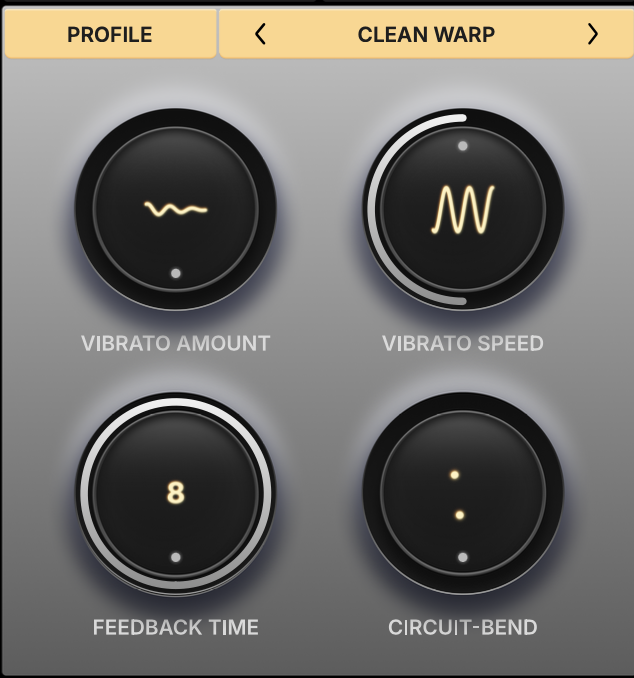
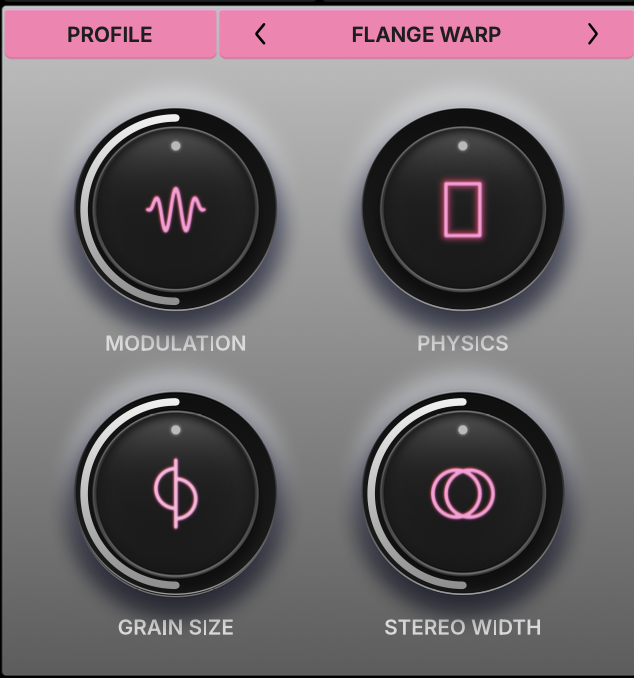
FLANGE WARP: This mode is capable of doing the tape/vinyl style time modulation, but can also get some really cool metallic tones depending on the physics/ grain size.
CLEAN WARP: Is a clean granular settings that keeps the pitch stable, the circuit bend control adds some gritty destruction.
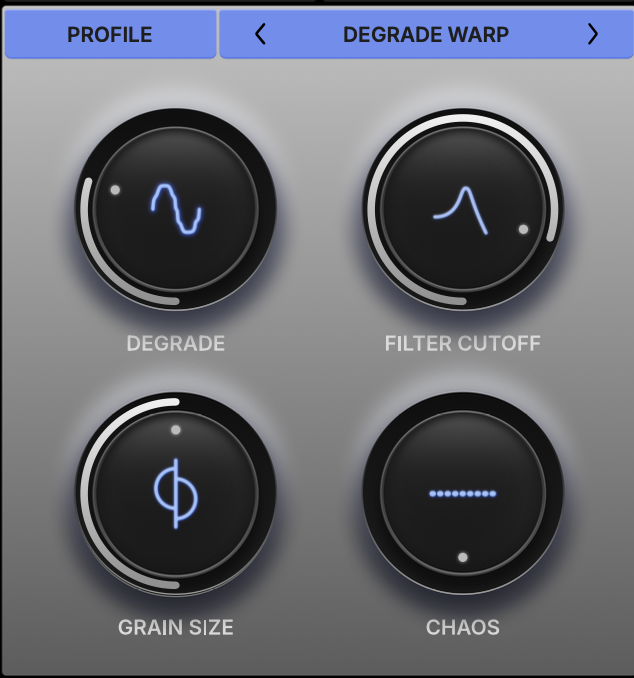
DEGRADE WARP: Adds digital artifacts and grit
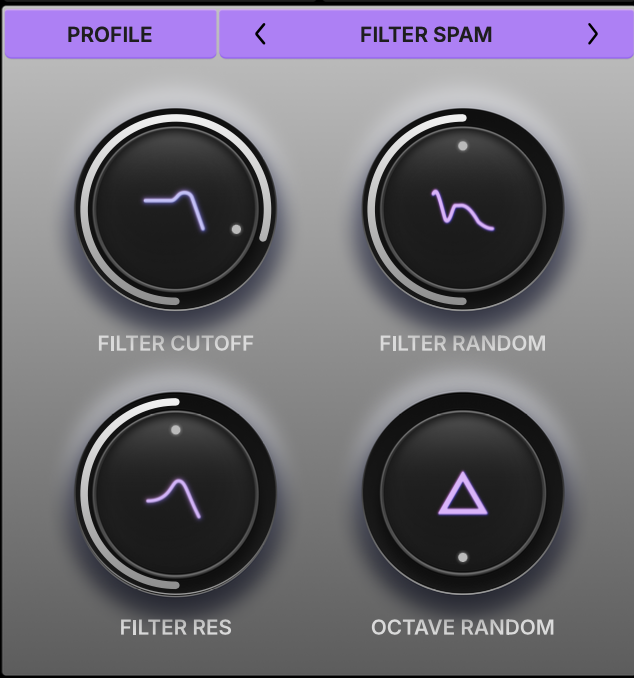
FILTER SPAM: Random filters and octave shifting, this mode does some cool watery stuff with lower resolutions
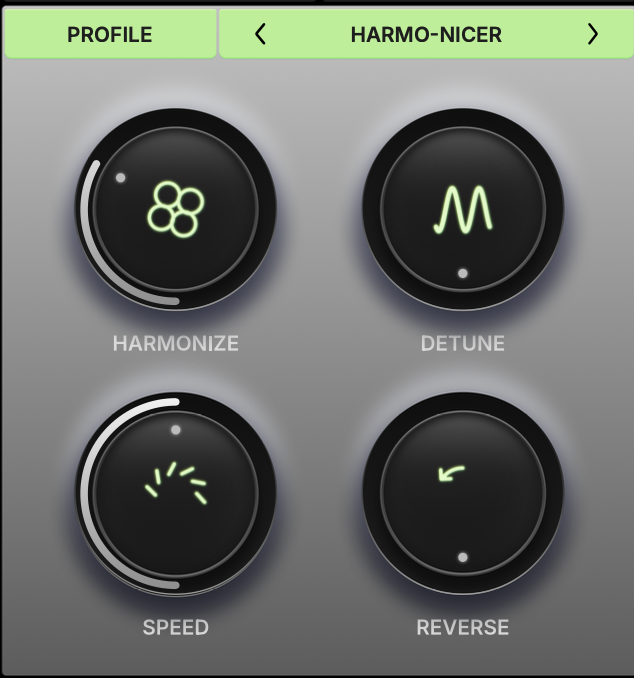
HARMO-NICER: Acts sort of like an arpeggiator, not quite sure how to describe this one
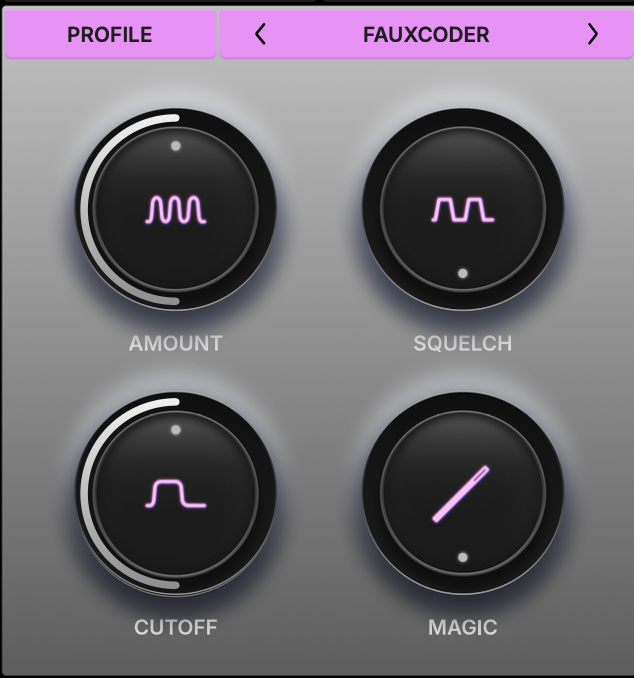
FAUXCODER: Weird spectral twisting, this effect has lots of cool settings, but would benefit from control modulation more than the time curve
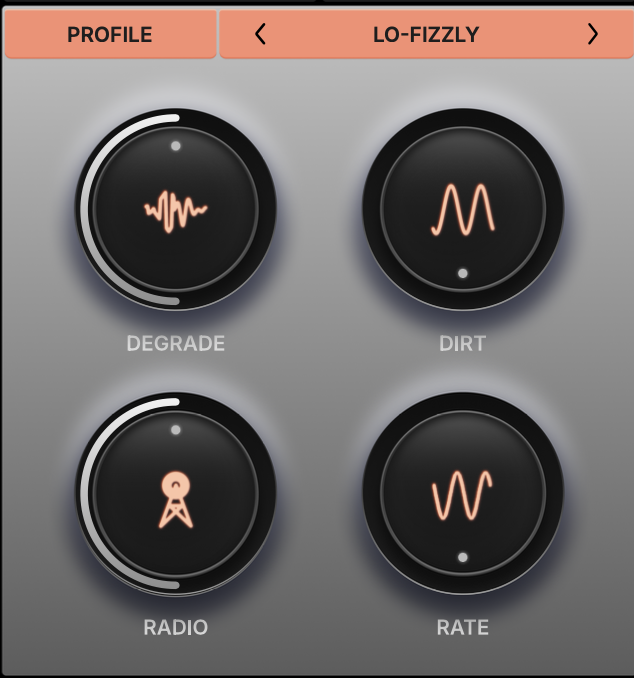
LO-FIZZLY: Another weird “lofi” type effect, this one has a squelchier more organic tone to it
At the heart of HyperWarp and all of these “retiming” effects is the curve editor. HyperWarp gives you a couple guide lines (literally dotted lines) that help elucidate how the curve works. The top dotted line is half speed, and the bottom is a complete stop. Any angle steeper than the bottom line results in reverse playback.
It really takes a bit of playing around with these curves to get used to how they function, and it seems like different plugins handle the scaling in their own ways as well. The curve editor offers two styles of randomizers, one with flat and straight timing randomization with more emphasis on stutters, and the other adding curves to the mix focused around larger scale sweeps.
As with all Baby Audio stuff, HyperWarp is on the simpler side, though with the full curve editor, it is deceptively deep. I don’t have quite enough experience with this type of effect. I’ll use them when built into multi-fx, so I’m excited to work with it more often, especially considering the added textures.
If you plan on purchasing HYPERWARP from Plugin Boutique, please consider supporting me by using my affiliate link
HYPERWARP: https://www.pluginboutique.com/product/2-Effects/53-Multi-Effect-/17963-HyperWarp?a_aid=61c378ab215d5